
How to Improve your Gaming Setup (Because If Your Inventory Looks Clean, Your Desk Should Too)
Let's be honest: if you're willing to drop thousands on skins because they look cool, then your desk setup absolutely deserves the same energy.
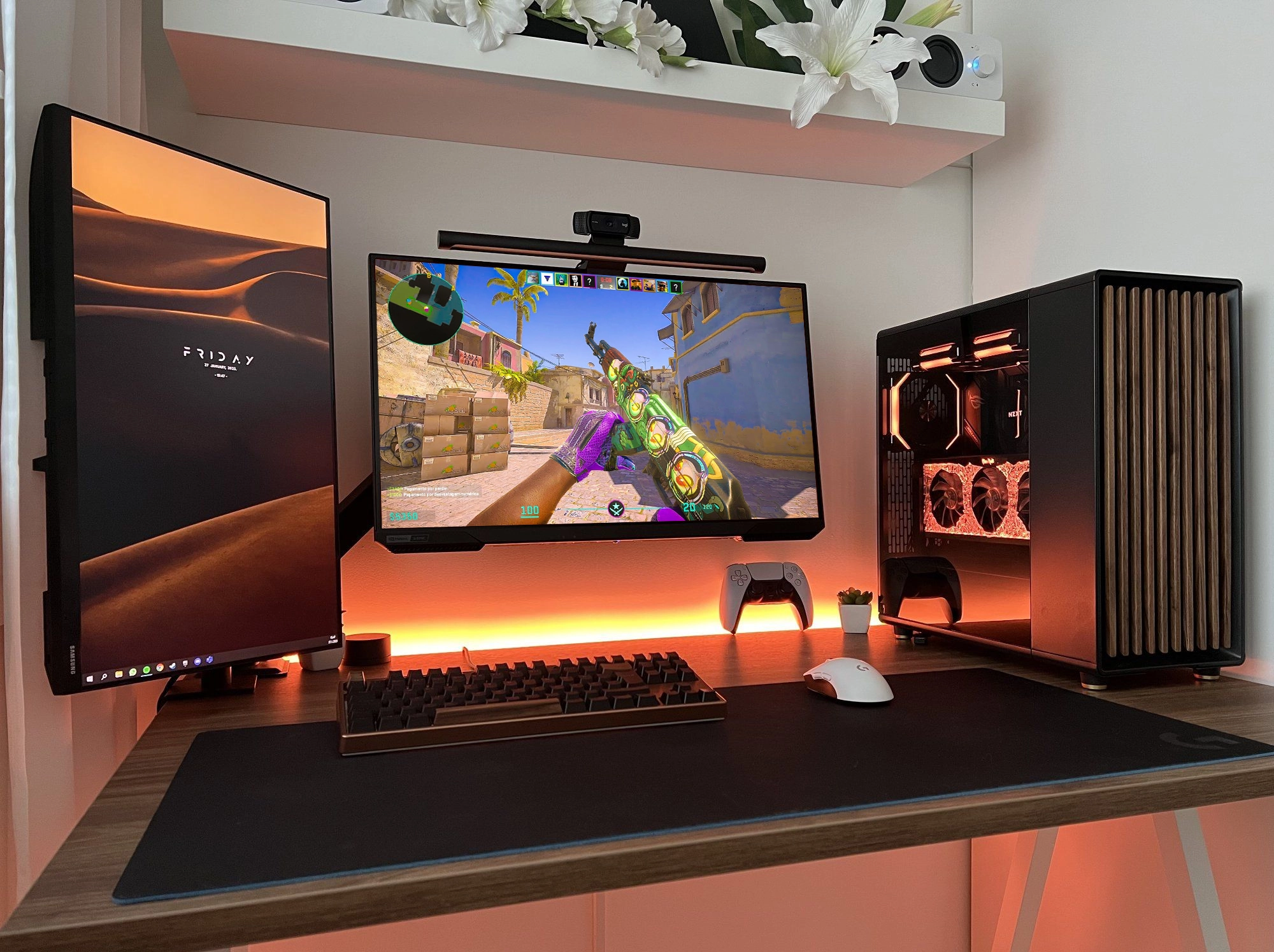
A clean, comfortable, functional setup doesn't just look good—it can make you play better, stay focused longer, and enjoy the game more.
Here are the easiest, most impactful upgrades you can make to your gaming desk to bring it up to “inventory flexing” level.
The Dragon Lore Collection
If you're a sucker for limited-edition gaming gear, the new Razer Dragon Lore collection is basically a dream dropped straight from Counter-Strike heaven. The Razer Viper V3 Pro Dragon Lore ultra-lightweight mouse looks absolutely insane with its fiery artwork, and it feels just as good as it looks—fast, featherlight, and built for clutch moments.
Pair it with the BlackShark V3 Pro Dragon Lore wireless headset, and you've got a setup that not only sounds incredible but turns your entire desk into a flex. And of course, the lineup wouldn't be complete without the Huntsman V3 Pro Dragon Lore keyboard (including the Tenkeyless version), delivering Razer's signature precision wrapped in a design that screams rare, collectible, and downright legendary. If you're trying to build a setup that stands out, these Dragon Lore editions don't just raise the bar—they torch it.
Limited Razer Viper V3 Pro Dragon Lore ultra-lightweight Mouse

Limited edition Dragon Lore themed mouse from Razer
See PriceLimited Razer BlackShark V3 Pro Wireless Headset

Limited edition Dragon Lore themed gaming headset from Razer
See PriceLimited Razer Huntsman V3 Pro Dragon Lore Keyboard
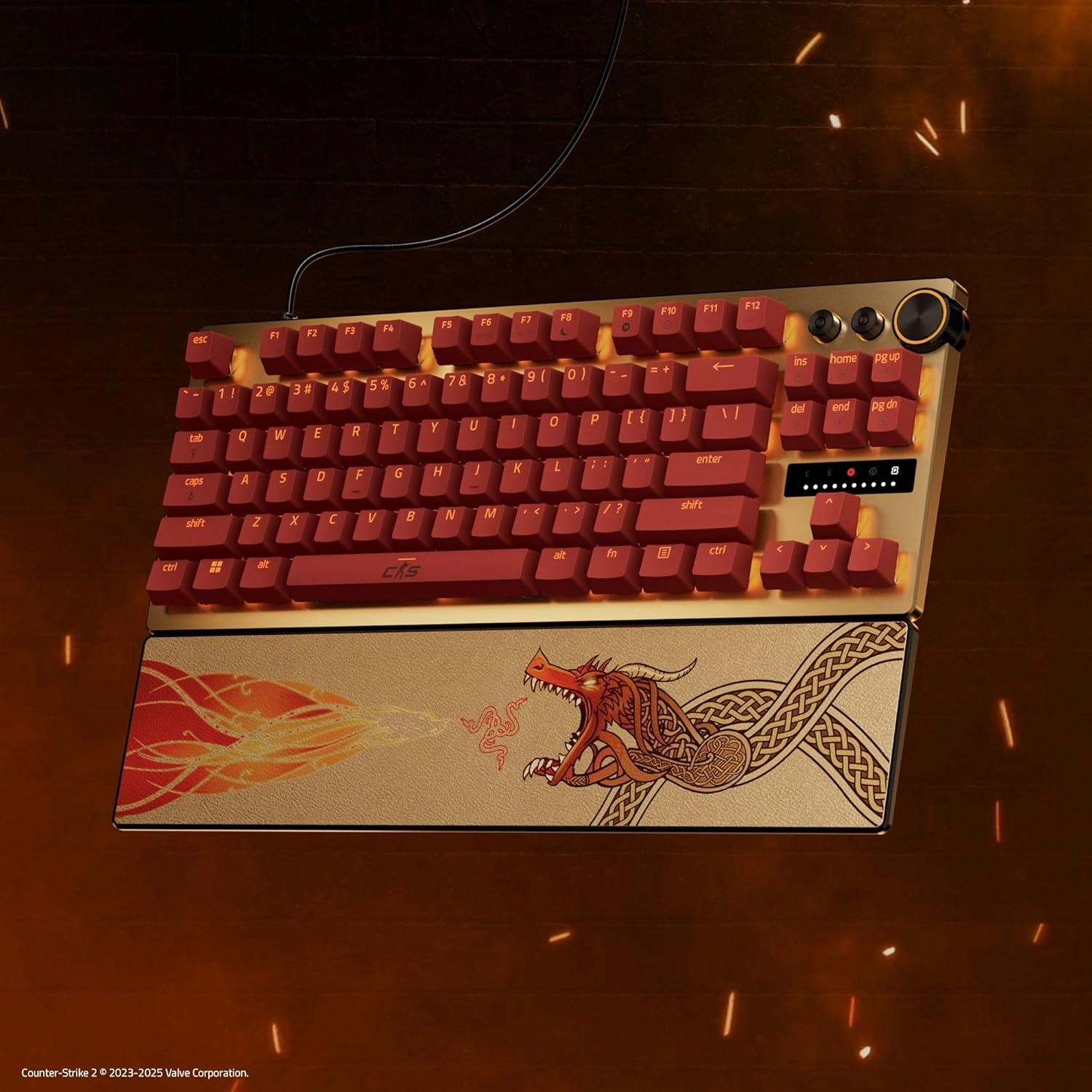
Limited edition Dragon Lore themed keyboard from Razer
See PriceThe SteelSeries QcK Dragon Lore Edition
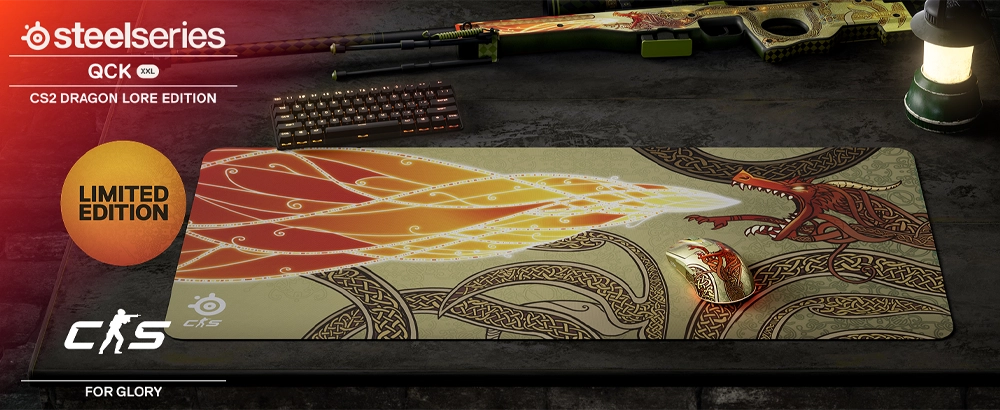
Iconic performance meets iconic skin. The dragon's strength comes to life the moment you start shaping your path to victory. This striking design spans your entire setup with its XXL size (90 x 40 cm / 35.4 x 15.7”), making a bold statement across your desk. Elevate your battlestation with this unforgettable Limited Edition gaming mousepad from SteelSeries.
Full Desk Mouse Pad
Product Spotlight: KTRIO Gaming Mouse Pad 900x400mm
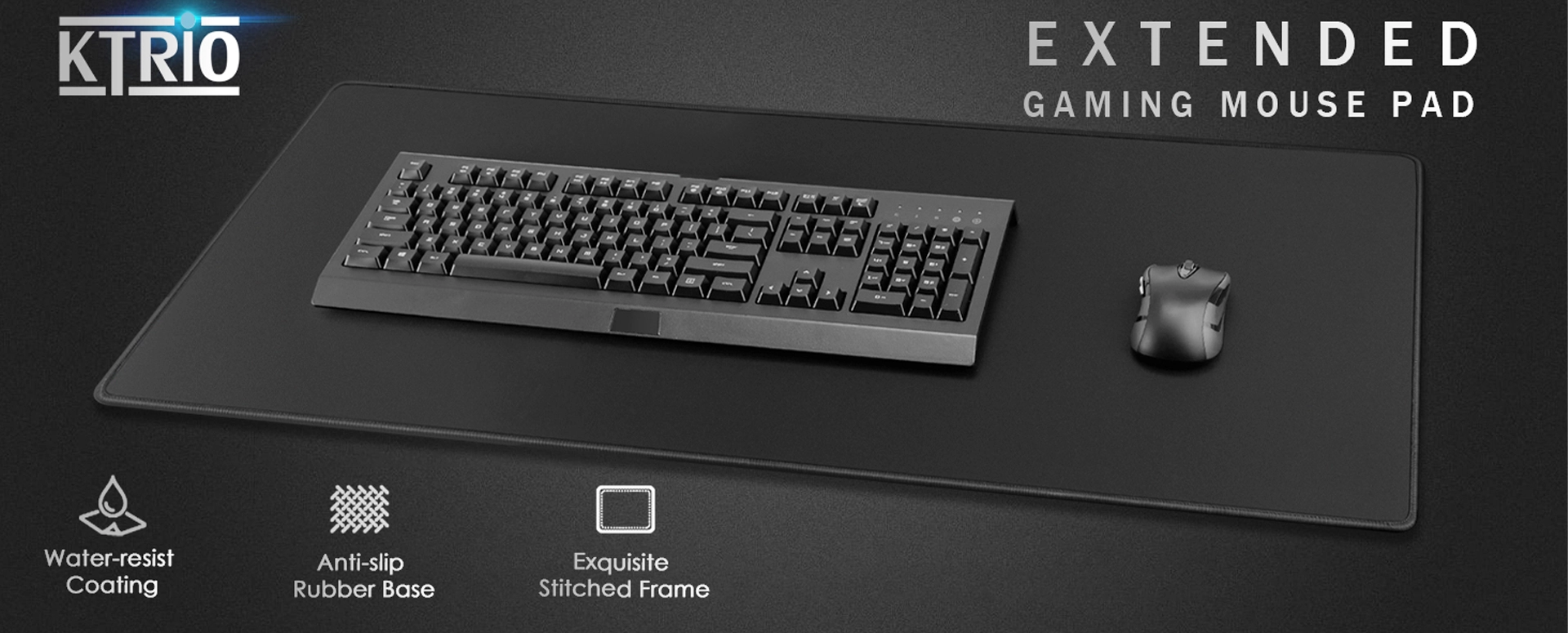
Why a Full Desk Pad Instantly Upgrades Your Setup
A full desk mouse pad is one of the most underrated upgrades you can make. Not only does it look sleek, but it gives you unlimited mouse space — something every CS player dreams of.
- Prevents constant mouse lifting
- Stops sliding off edges during spray transfers
- Protects your arm from dragging on rough desk edges
- 900x400mm of swiping room
- Stitched anti-fray edges
- Thick, comfortable, and non-slip
- Smooth and consistent glide
Mouse Bungee
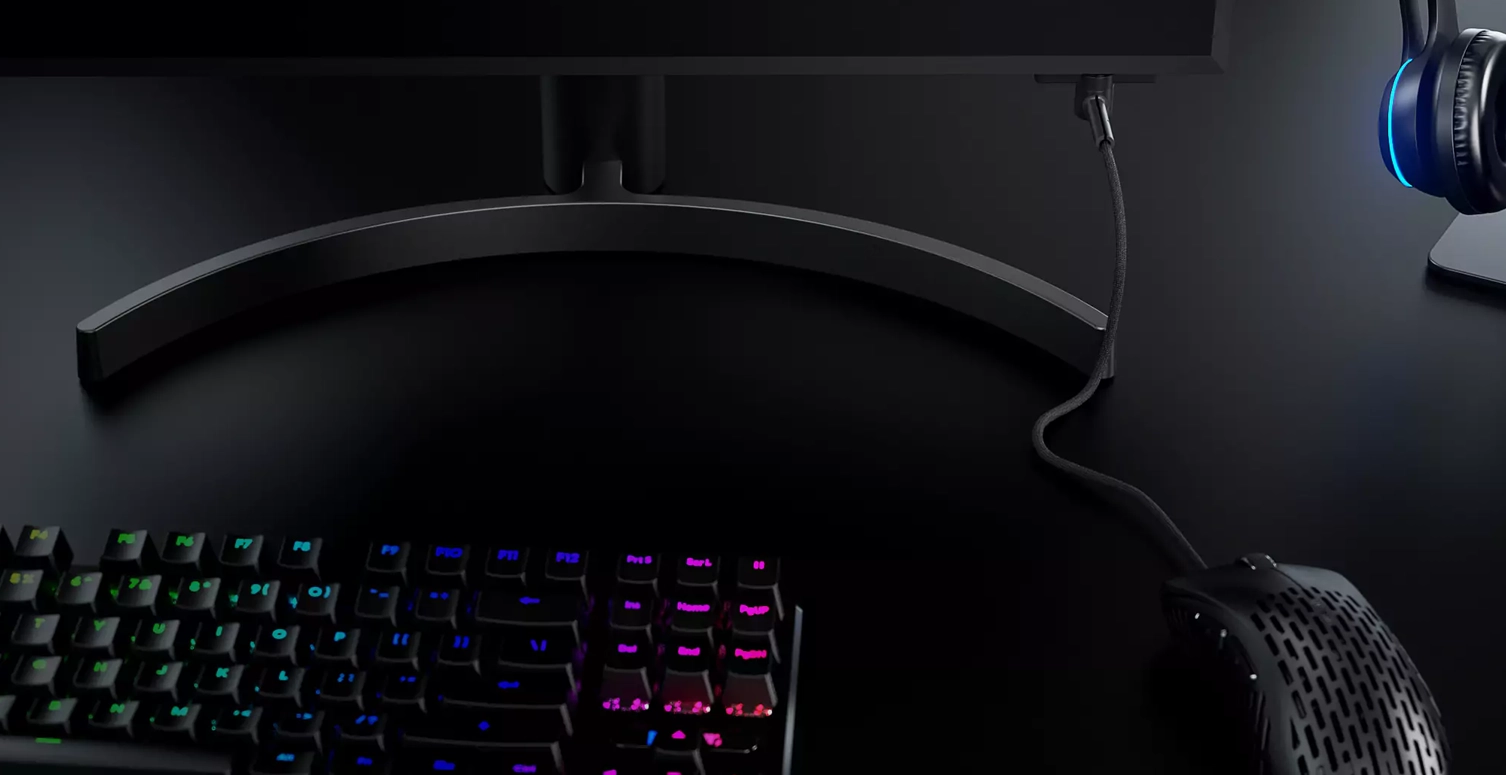
Why Every CS Player Should Use a Mouse Bungee
A mouse bungee removes cable drag and makes your wired mouse feel significantly smoother. It's small, inexpensive, and instantly noticeable.
Product Spotlight: Pulsar Gaming Gears Micro Bungee ES
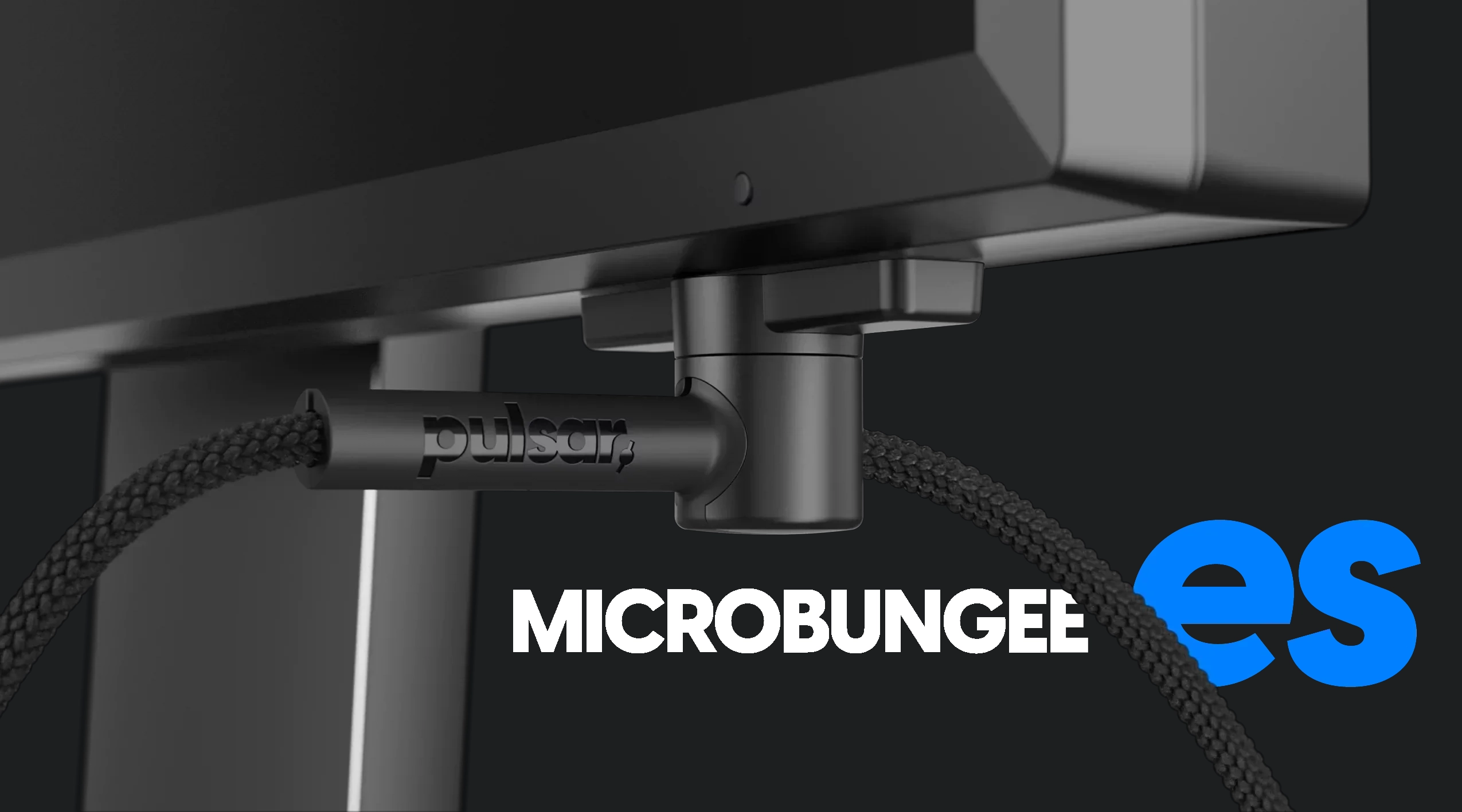
- Minimal desk footprint
- Clips directly to your monitor
- Makes wired mice feel wireless
- Keeps cable elevated and untangled
LED Strips
How RGB Can Improve Your Setup (And Your Mood)
RGB adds ambiance, reduces eye strain, and makes your setup feel far more polished and enjoyable to use.
Product Spotlight: Nexillumi LED Strip Lights (10M)
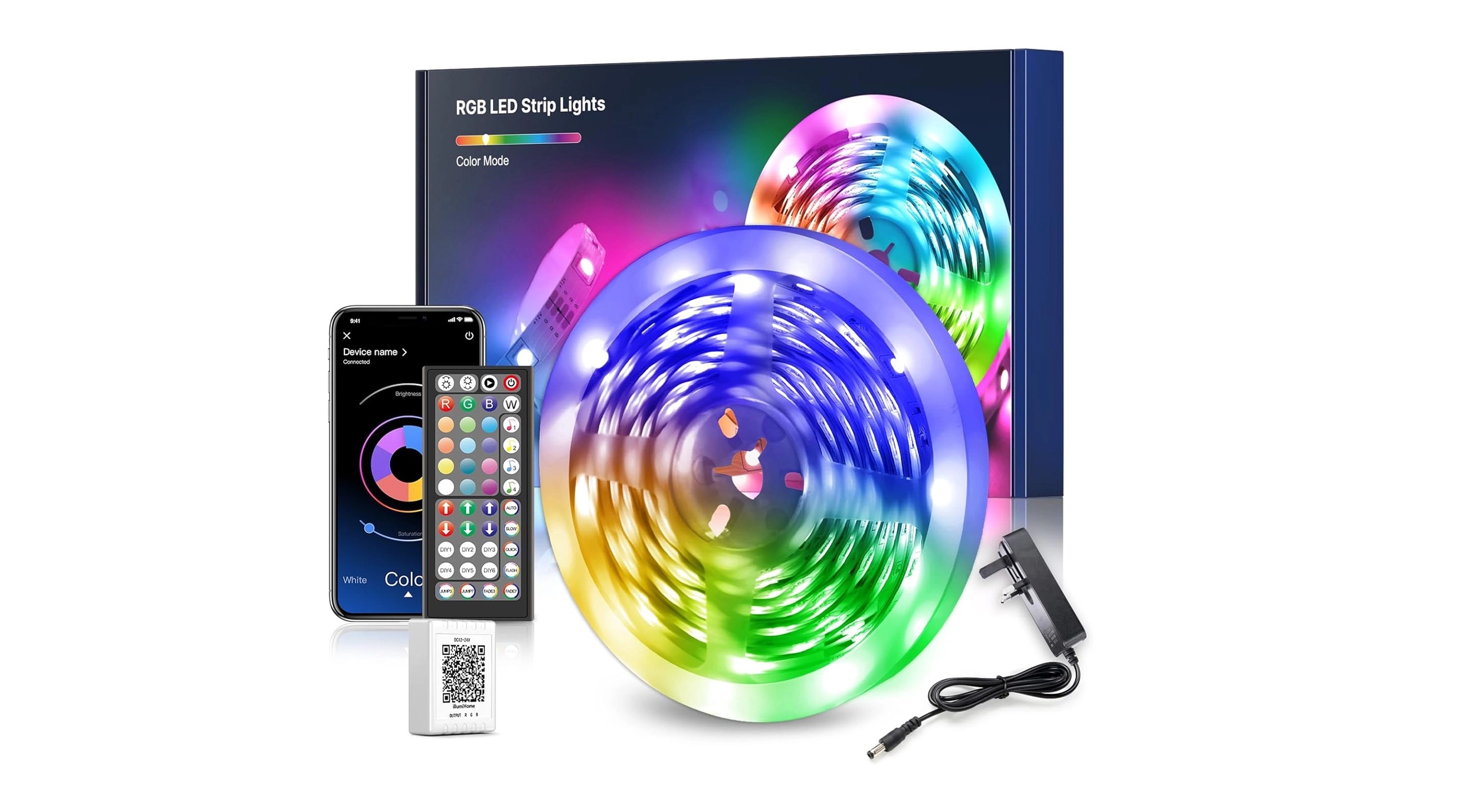
- 10m length for wide coverage
- App + remote control
- Music sync mode
- Easy installation and flexible mounting
Cable Management
Why Cable Management Is Low-Effort, High-Impact
Good cable management instantly makes your setup cleaner and prevents snags during gameplay.
Product Spotlight: Alex Tech Cable Sleeve
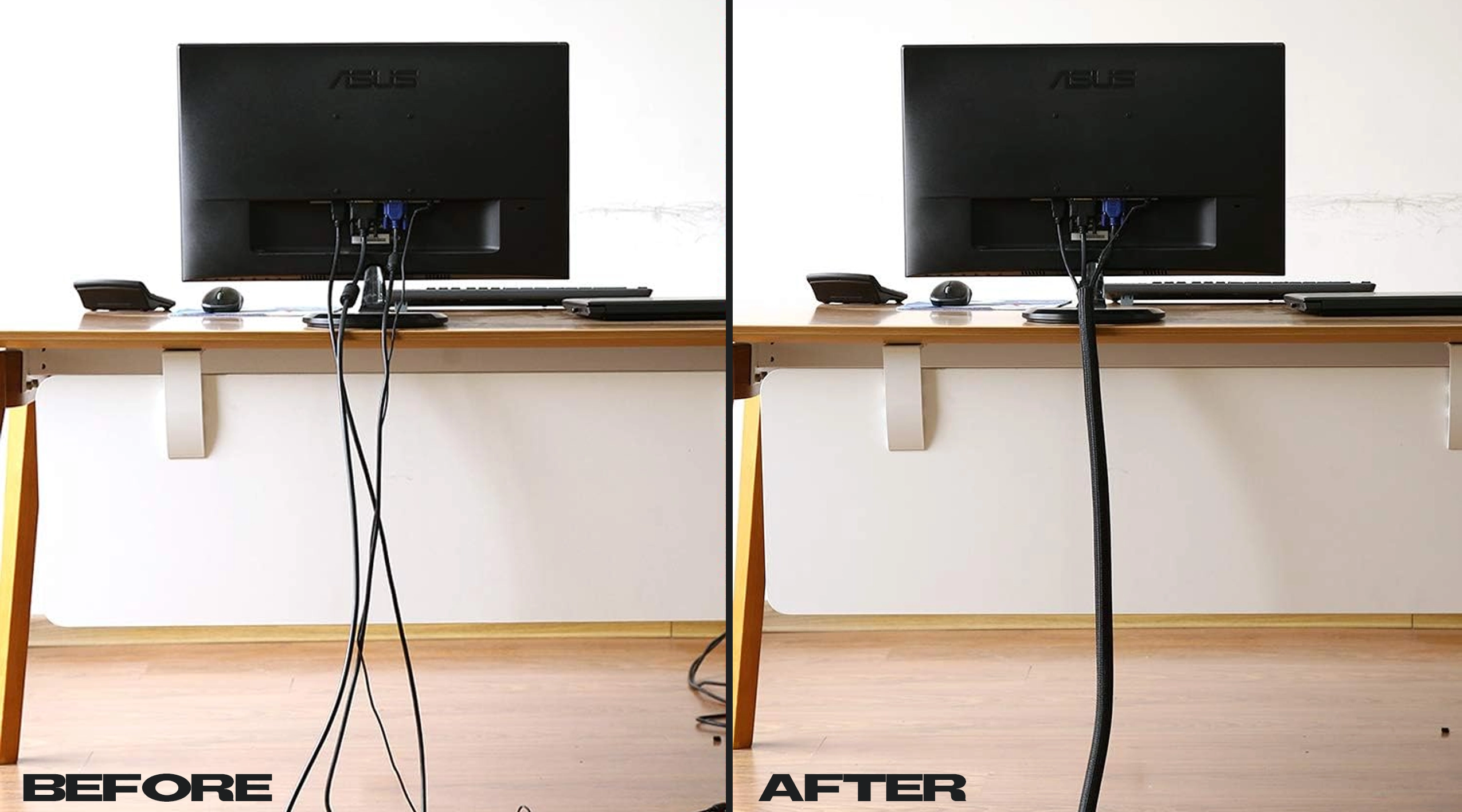
- Flexible and durable design
- Easy to install
- Bundles multiple cables neatly
- Makes your setup look professionally organized
The Mouse You Use Matters—A Lot
Why Your Mouse Is the Most Important Part of Your Setup
Your mouse controls every movement you make. A better mouse = better consistency, comfort, and aim.
How that helps in CS2
- Low weight = faster flicks, less fatigue during long sessions (important in CS2's pace).
- High-end sensor + high IPS/accel headroom = accurate tracking at any sensitivity (good for pro aim).
- Wireless with high polling = minimal latency, crucial in competitive FPS where input lag matters.
- Because it's widely used by pros, it has strong community/popular support (tweaks/habits) for CS2 setups.
If you're aiming for the “best you can get” for a CS2 competitive mouse, this is right at the top.
Product Spotlight: Logitech G PRO X SUPERLIGHT 2 SE
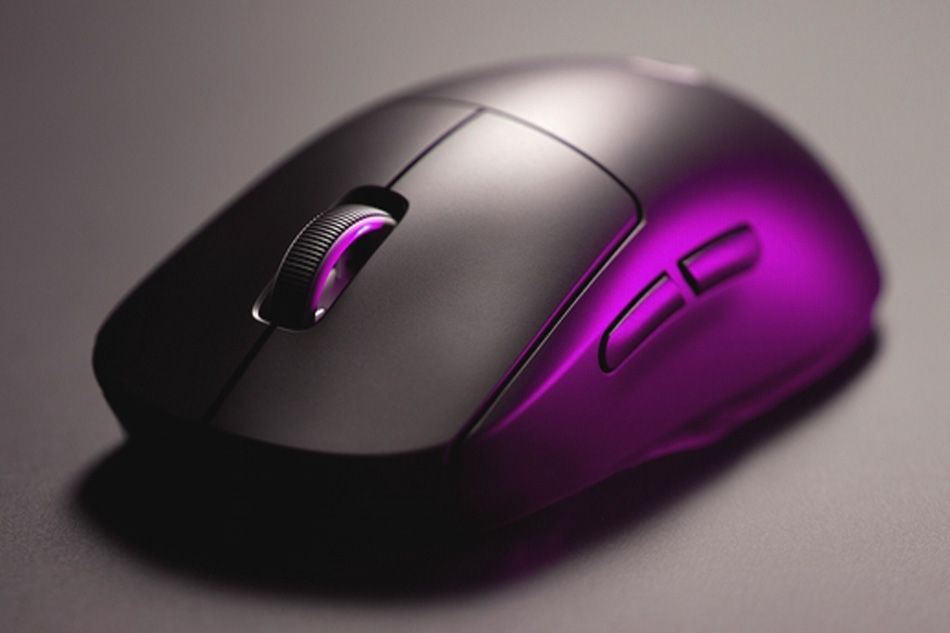
- Only 60g
- 44K DPI HERO 2 sensor
- Wireless with esports-grade precision
- Used by pros worldwide
Notable considerations
- Only 5 buttons—if you like a lot of side-buttons for utility, this might feel sparse.
- Some users mention the included dongle/polling upgrade path may require firmware or software.
- While the “SE” variant is slightly streamlined, if you're after every extra feature (e.g., 8kHz polling out of the box) you might check whether you get that unlocked or need an upgrade.
Verdict
Read Our Full Best Gaming Mice used by CS2 Pros in 2025 Guide
Your Keyboard Is More Important Than You Think
Why a Good Keyboard Improves Aim & Comfort
Your keyboard handles movement, utility, and binds. A responsive board improves your overall gameplay experience.
Product Spotlight: Corsair K70 PRO TKL RGB
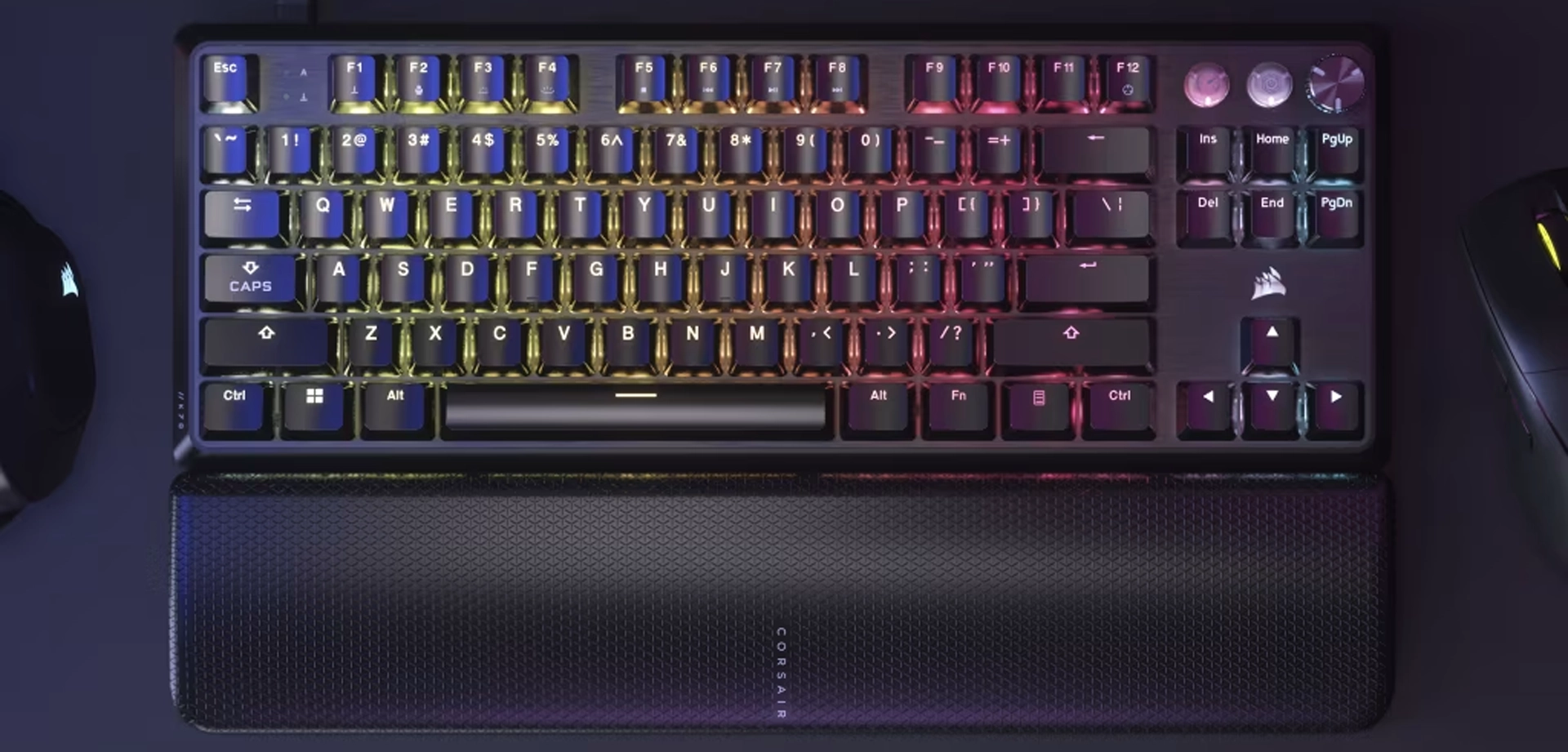
- MGX magnetic switches
- 8000 Hz polling rate
- TKL layout = more mouse space
- Premium aluminum build
Read Our Full Best Gaming Keyboards used by CS2 Pros in 2025 Guide
Conclusion: My Most Recommended Upgrade
If you only make one upgrade, choose the full desk mouse pad. It's cheap, improves comfort, and makes your setup instantly cleaner and more functional.
FAQs
1. What's the cheapest instant upgrade?
A large desk mat / mouse pad and LED strips.
2. Do mouse bungees help aim?
Yes — they remove cable drag.
3. Wired or wireless mouse?
High-end wireless performs identically to wired.
4. Do RGB lights help?
They improve comfort and reduce eye strain.
5. What's the most important upgrade?
Your mouse — it affects every single action in a match.

Your trusted source for all things gaming tech, delivering the latest tips and insights to enhance your setup and performance. From selecting the perfect mouse and keyboard to optimizing your gear, we cover everything you need to elevate your gaming experience. Explore the world of high-performance peripherals and level up your setup with expert guidance and recommendations.


Best Keyboard for CS2 (2025): Top Picks from pro players
Our top gaming keyboard picks for CS2, reccomended by pro players

Best Mouse for CS2 (2025): What Pro Players Actually Use
The best gaming mice, rated by top CS2 Pro players - Any budget

CS2 Skin Screenshot Guide
Learn advanced skin screenshot techniques using console commands to enhance your Steam profile or elevate your cash trading on platforms like Twitter.